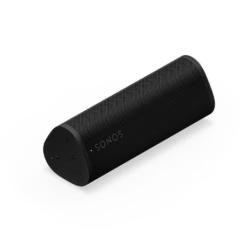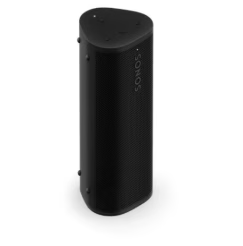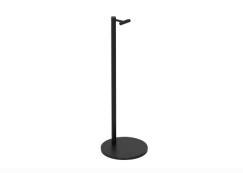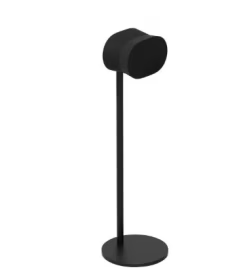


Immersive Spatial Audio, Reimagined
Enhance your spatial audio experience beyond expectations.
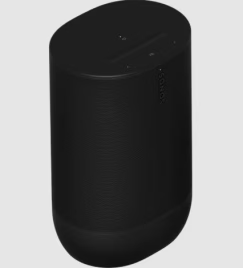
Elevate your listening with powerful, room-filling sound that surrounds you from every angle. The Sonos Era 300 uses six precisely positioned drivers across the front, sides, and top to deliver true Dolby Atmos Music performance. This advanced acoustic design projects sound from wall to wall and floor to ceiling, bringing depth, clarity, and emotion to every track.
Flexible Connectivity Options
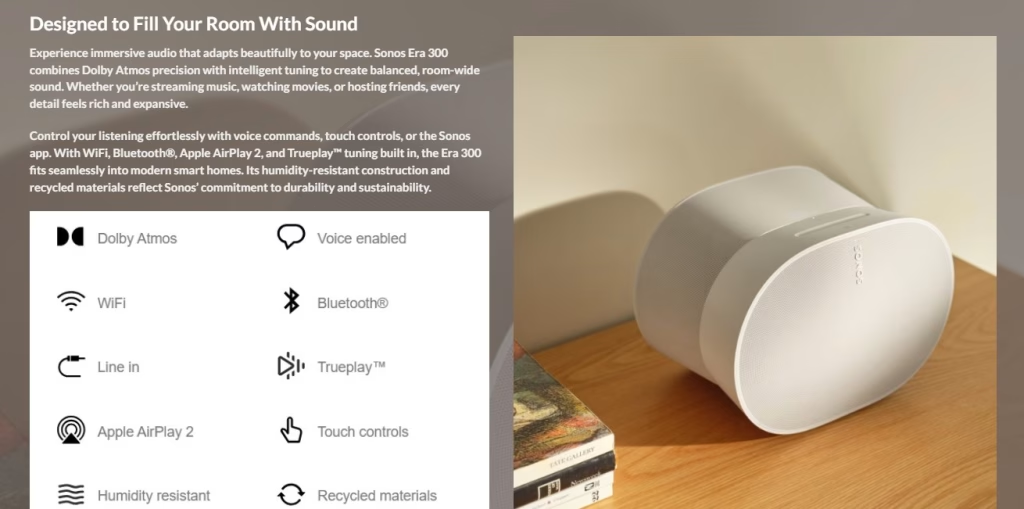
These speakers support Wi-Fi streaming for high-quality listening. Additionally, Bluetooth allows fast pairing with phones and tablets. With the optional USB-C line-in adapter, you can connect turntables, laptops and other external devices. Thus, the bundle suits a variety of setups and audio sources.
Smart Features for Effortless Use
The Era 300 integrates seamlessly with the Sonos app. You can group rooms, adjust EQ settings or manage audio from anywhere at home. Furthermore, Trueplay tuning automatically analyses your room’s acoustics and adjusts audio output to match the environment. Consequently, the speakers deliver consistent sound quality regardless of placement.
Modern White Design for Stylish Interiors
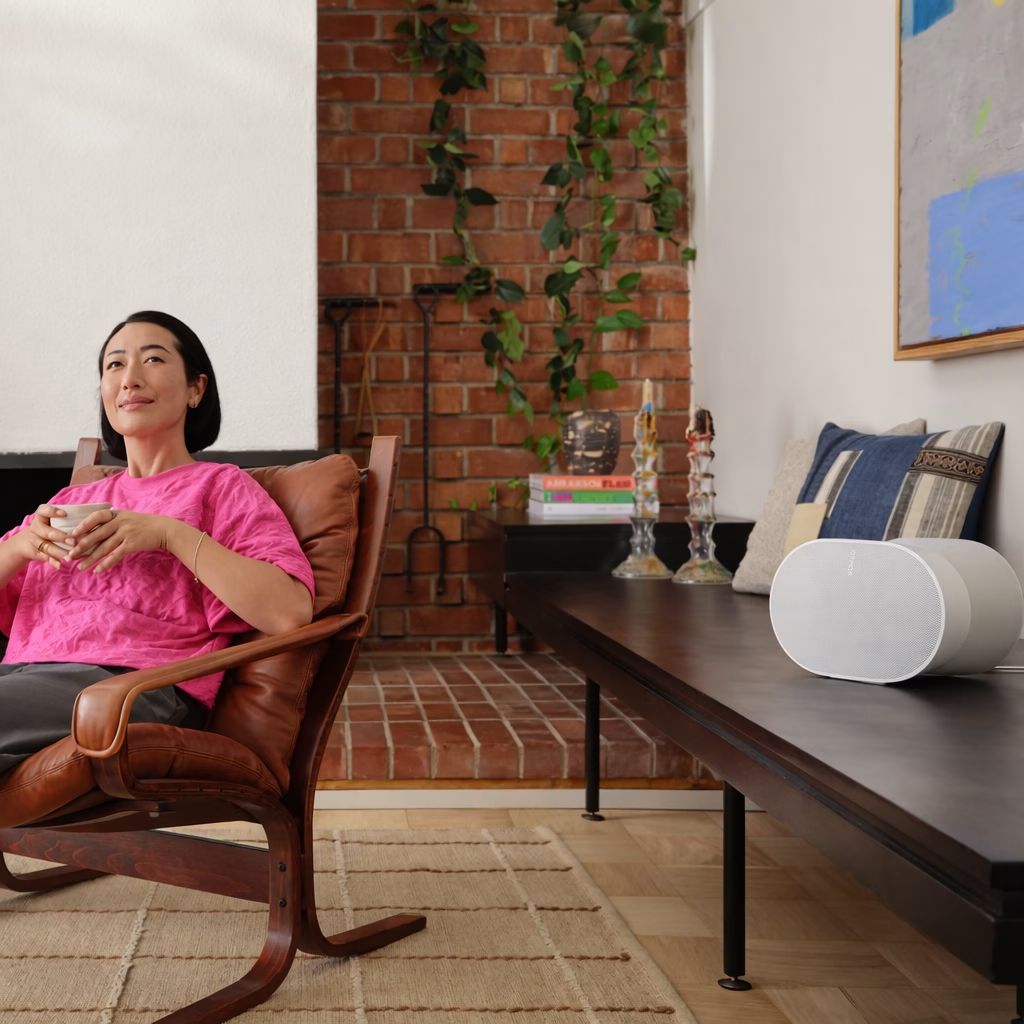
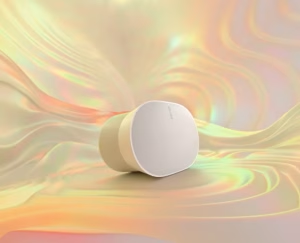
Each speaker features a clean, minimalist White finish that complements modern décor. Their sculpted shape is functional and aesthetic, designed to enhance acoustic dispersion while remaining visually elegant. Because of their balanced size and design, the speakers suit living rooms, offices and entertainment areas.
Perfect for Premium Home Audio
The Sonos Era 300 Bundle Pack White is ideal for users seeking a high-end listening experience. With spatial audio, smart control, strong connectivity and rich sound performance, the pair brings cinematic and studio-quality audio into your home.
Control everything like it’s nothing
The Sonos app brings all your content and settings together in one place for effortless control. Quickly set up your system, stream from your favorite services, and easily send sound around your home
Compact Yet Powerful Design
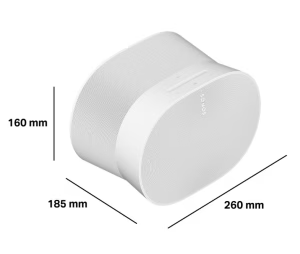
Designed to complement modern interiors, the Sonos Era 300 features a sleek, space-saving profile measuring 260 mm (W) × 185 mm (D) × 160 mm (H). Weighing 4.47 kg, it offers a solid, premium feel while delivering impressive sound performance. Its balanced design ensures stable placement without compromising audio impact.
Trueplay™ automatically adjusts sound based on placement, but following these guidelines ensures optimal performance:
-
Place the speaker indoors with approximately 0.61 m (2 ft) of overhead clearance
-
Avoid enclosed spaces like bookshelves to maintain sound dispersion
-
Mount upside down when placing near a ceiling
-
Leave 2.5 cm clearance at the back and 20 cm on each side
-
Enjoy consistent sound quality from anywhere in the room
Note: Do not position the speaker vertically or at a steep angle.
Home Theatre & Surround Sound Setup
Create immersive surround sound by pairing two Era 300 speakers with a compatible Sonos soundbar.
-
Position speakers behind your seating area
-
Align speaker height close to ear level
-
Leave at least 20 cm of clearance on each side
This setup delivers cinematic audio without the need for a fixed listening position.
-
Enable Bluetooth on your device
-
Press and hold the Bluetooth button on the back of the speaker
-
Select Sonos Era 300 from your device list
Your device will reconnect automatically next time.
Trueplay™
Trueplay tuning measures how sound reflects off walls, furnishings, and other surfaces in a room, then fine tunes your Sonos speaker to make sure it sounds great no matter where you place it.
During setup, choose the Trueplay option that works best for you and your space. To retune later, go to
> System, choose a room, and select Trueplay.
Advanced tuning
Advanced tuning is custom and precise. It takes about 5 minutes and uses the microphone on an iOS device (running iOS 8 or later) so you’ll move around the room while the sound is fine tuned for your space.
Note: Advanced tuning is the best choice for large rooms (open concept spaces may experience less precise tuning).
Quick tuning
Quick tuning is fast, effortless, and accessible. It takes about a minute and uses the microphone on your Sonos product to detect the environment so there’s no need to move around the room during tuning.
Note: Quick tuning is available for both iOS and Android, and is a good choice for smaller rooms, or spaces where it’s difficult to move easily.
Auto Trueplay
Portable Sonos products like Sonos Roam and Move can tune themselves automatically. Auto Trueplay uses your speaker’s microphone to detect the environment and make periodic tuning adjustments so you get great sound wherever your speaker is and whatever you’re listening to.
Go to
> System, and select your portable speaker to turn on auto Trueplay.
Create immersive surround sound by pairing two Era 300 speakers with a compatible Sonos soundbar.
-
Position speakers behind your seating area
-
Align speaker height close to ear level
-
Leave at least 20 cm of clearance on each side
This setup delivers cinematic audio without the need for a fixed listening position.
Set up stereo pair
Pair two Sonos speakers in the same room for an even wider, stereo experience. One speaker serves as the left channel and one serves as the right channel.
Note: The Sonos speakers in a stereo pair must be the same type.
- Place the speakers 8 to 10 feet apart. Your favorite listening position should be 8 to 12 feet from the paired speakers – less distance increases bass, more distance improves stereo imaging.
- Go to
> System. - Select one of the speakers you want to use in the stereo pair, then choose Set Up Stereo Pair to get started.
Set up surrounds
It’s easy to turn two Sonos Era 300 speakers into separate right and left channels for your home theater. With Era 300, the sound is sent in all directions so locating a sweet spot in the room is not necessary.
- Place the speakers so the front grilles are facing toward the TV.
- Go to
> System. - Select a room with a soundbar and choose Add Surrounds to get started.
Note: If you group the rooms or create a stereo pair instead, you won’t have surround sound.
Control your music hands-free with supported voice services:
-
Sonos Voice Control for privacy-focused commands
-
Amazon Alexa with the Sonos skill enabled
-
Apple Siri via AirPlay 2 and Apple Home
Availability may vary by region.