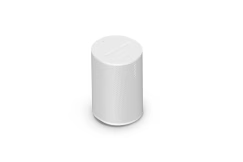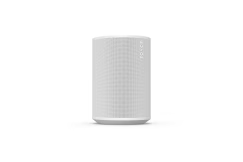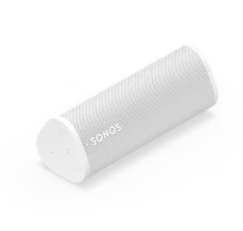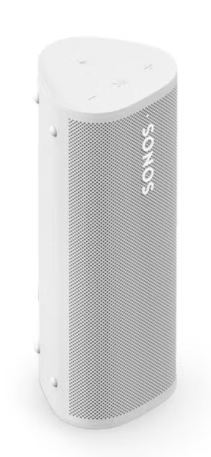
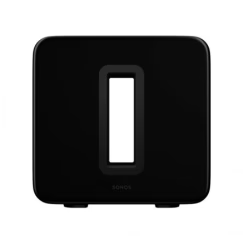
Sonos Sub (Gen 3) – Zero Distortion, Deep Bass Performance
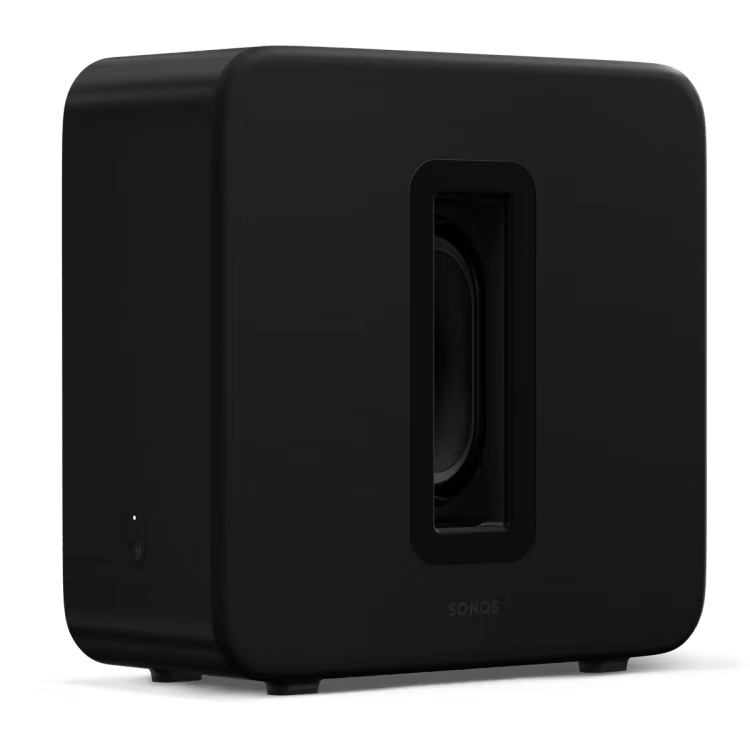
Experience powerful, room-filling bass with the Sonos Sub Gen 3. This premium wireless subwoofer uses dual force-cancelling drivers to deliver deep, accurate low frequencies with zero distortion and no vibration. As a result, movies, music, and games sound richer, clearer, and more immersive.
The Sub Gen 3 connects seamlessly to your Sonos system, giving you a clean, powerful bass upgrade without clutter or complicated setup.

Powerful Bass That You Can Feel
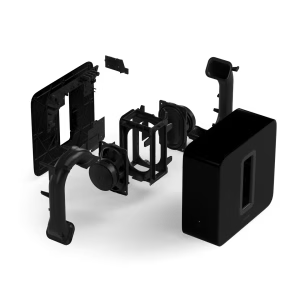
The Sonos Sub Gen 3 brings music, movies, and gaming to life with bold, cinematic bass. Its dual drivers face inward, cancelling vibration while producing rich low frequencies. Because of this advanced design, you enjoy powerful sound without rattling furniture or unwanted noise.
In addition, the wireless connection ensures smooth performance while keeping your setup neat and minimalist.
Smart Audio Tuning with the Sonos App
Control every detail of your sound using the Sonos app. Easily adjust volume, bass, and EQ settings to match your preferences. Furthermore, Trueplay™ tuning automatically adapts the sound to your room, ensuring balanced, precise bass wherever you place the subwoofer.
As a result, you get consistently high-quality audio in any space.
Sleek, Modern Design That Fits Any Room
Designed with a matte black finish and a slim profile, the Sonos Sub Gen 3 blends effortlessly into modern living spaces. Whether placed vertically or horizontally, it complements your décor while delivering uncompromising performance.
Additionally, its compact form allows flexible placement without sacrificing sound quality.
Perfect for Home Theatre and Music
Upgrade your home audio system with deep, cinematic bass that enhances every scene and track. Action movies hit harder, music sounds fuller, and games feel more immersive. Therefore, the Sonos Sub Gen 3 is ideal for streaming, gaming, and movie nights alike.
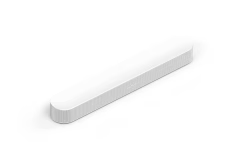
This subwoofer pairs effortlessly with any Sonos speaker through WiFi. Whether used with a Sonos Arc, Beam, Amp, or other Sonos devices, it seamlessly enhances multi-room audio or home theatre setups without the clutter of cables.
Choose a location – Sub is designed to provide optimal sound wherever you place it.
- Use the acoustic slot as a handle to lift Sub out of the box. You should always bend your knees when lifting heavy objects to avoid undue stress on your back.
- Make sure at least one side of the slot is free from obstruction. If you place it vertically against a wall, don’t block the front opening.
- If you place Sub horizontally on the floor, don’t put anything on top of it. Leave at least 1″ clearance along the top of Sub if placing under furniture.
- Sub is designed to sit on the floor. You can place it in a corner, against the wall, behind, under, or next to any piece of furniture on any kind of floor surface.
- Position Sub either vertically or horizontally. If you’re going to use it horizontally, you can attach permanent felt feet.
You can easily change the Sonos speaker your sub is paired with.
If you’re moving it to a new room, wait for the status light to stop flashing after you plug the sub back in.
- Go to
> System and choose the speaker your sub is paired with. It appears as [speaker name (+Sub)] in your list of rooms. - Tap Remove Sub.

You can pair the sub with a different Sonos product or choose not to use it right now. It will appear as “unused” in your list of products until you pair it with another Sonos speaker.
All filter settings, active equalization, and time alignment are done digitally through state-of-the-art DSP (Digital Signal Processing) circuitry for zero-loss audio quality and energy.
Automatic Equalisation Across Your System
Once connected, the system automatically adjusts audio settings across all paired Sonos components. Consequently, your entire setup stays perfectly balanced without manual tuning.
Supported Sonos Products
The Sonos Sub Gen 3 works with amplified, non-portable Sonos speakers such as Sonos One, One SL, Five, Ray, Beam, Arc, and Symfonisk. This compatibility makes it a flexible and future-ready upgrade for your Sonos ecosystem.
Download the Sonos App – iOS & Android
Take full control of your Sonos system with the Sonos app. Set up speakers, fine-tune sound, stream your favourite music, and manage every room with ease from your smartphone or tablet.