
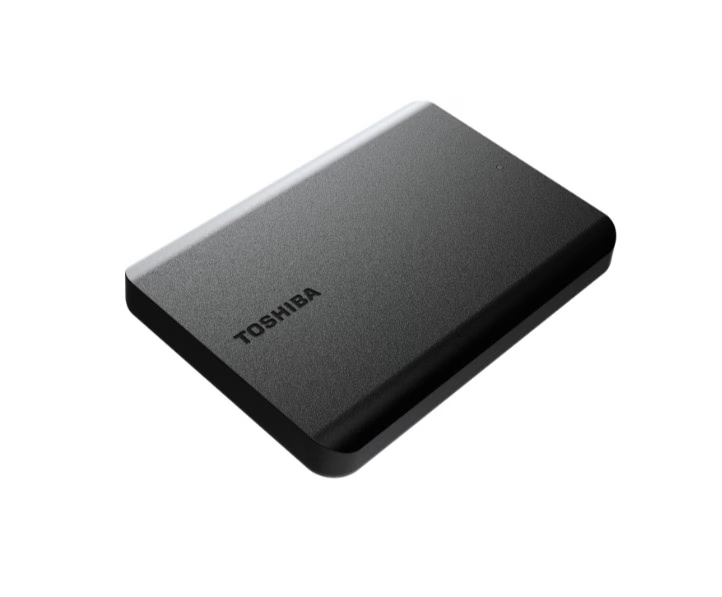
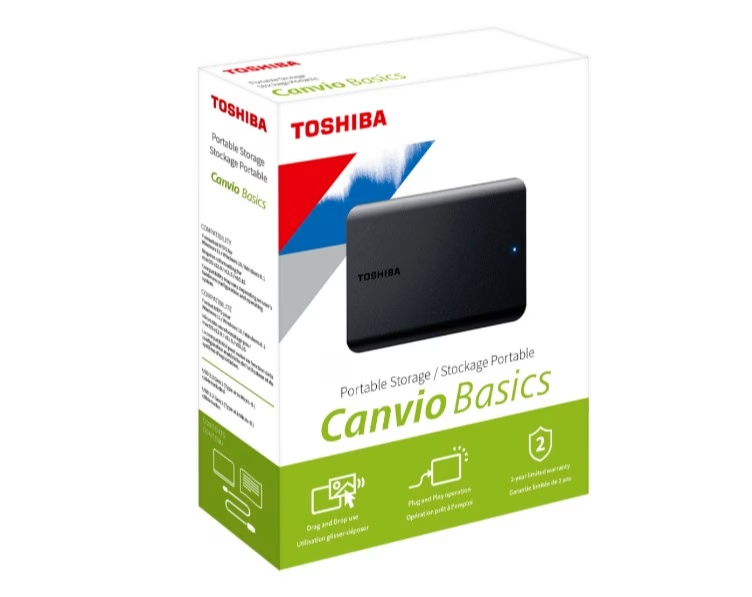
TOSHIBA CANVIO BASICS 2TB 2.5 USB – HDTB520EK3 AA
R1999,00
Storage
Capacity: 2TB
Form Factor: 2.5 inch
Interface
Connection: USB 3.2 Gen 1
Compatibility: USB 2.0
Maximum Transfer Speed: Up to 5 Gbit/s
Out of stock
Store and protect your files with the Toshiba Canvio Basics 2TB Portable External Hard Drive – HDTB520EK3AA. This compact 2TB external hard drive offers fast data transfer and convenient storage for laptops and desktop computers.
The Toshiba Canvio Basics 2TB uses USB 3.2 Gen 1 technology. Therefore, it delivers transfer speeds of up to 5 Gbit/s. You can move large files such as videos, photos, and backups quickly. In addition, the drive works with USB 2.0 devices, so older computers can connect easily.
The 2TB storage capacity gives you plenty of space for thousands of photos, videos, and documents. As a result, you can store personal files, work documents, or media libraries without worry.
The plug-and-play design keeps setup simple. Connect the drive to your computer with the included USB cable and start transferring files immediately. You do not need to install any software.
The 2.5-inch portable design keeps the drive compact and lightweight. You can easily carry it in a laptop bag or backpack. Meanwhile, the matte black finish adds a clean and professional look.
The USB connection powers the device, so you do not need an external power supply. Consequently, the drive works well for travel, office work, or home use.
Overall, the Toshiba Canvio Basics 2TB portable hard drive offers reliable performance and simple file storage.
Buy the Toshiba Canvio Basics 2TB external hard drive online in South Africa from Expert Diamond Corner and keep your data safe and accessible.
FAQ
What is the storage capacity of the Toshiba Canvio Basics HDTB520EK3AA?
The Toshiba Canvio Basics offers 2TB of storage, which stores large amounts of photos, videos, and documents.
Does the Toshiba Canvio Basics support USB 3.0?
Yes. The drive uses USB 3.2 Gen 1 and works with both USB 3.0 and USB 2.0 ports.
Is the Toshiba Canvio Basics portable?
Yes. The compact 2.5-inch design allows you to carry the drive easily in a laptop bag or backpack.
Does the Toshiba Canvio Basics require software installation?
No. The plug-and-play design lets you connect the drive and start using it immediately.
Can the Toshiba Canvio Basics work with Mac?
Yes. However, you may need to reformat the drive before using it with macOS.
Related products
Computer